
Fixed-scope engagement
Automation Starter: one workflow designed, built and handed over to your team
A single, well-chosen workflow is a low-risk way to prove automation’s value. We design it, build it in Make.com or Zapier, test it, document it and train your team to run it. It suits SMEs in Ireland and the UK where the same admin consumes hours every week.
- Duration
- A few weeks, agreed at scoping
- Format
- Remote build plus handover training
- Suited to
- SMEs with repetitive admin
- Engagement
- Fixed scope, ask for a quote
One working automation, documented and owned by your team
One workflow automation, such as invoice capture, lead routing to your customer relationship management (CRM) system or a weekly key performance indicator (KPI) report.
- Discovery session. We map the task as it runs today, the systems involved and the exceptions to handle.
- Workflow design. A written outline of triggers, steps, data and alerts, agreed with you before we build.
- Build. In Make.com or Zapier, connected to tools such as Microsoft 365, HubSpot, WooCommerce, Gravity Forms or Google Sheets.
- Testing. Real examples, including the awkward cases, tested before go-live.
- Documentation. A plain-English guide to what the workflow does and what to check if it stops.
- Handover training. A short session for the people who will own the workflow.
A four-step build, from choosing the task to handover
01
Select the workflow
We agree the single task to automate, the systems involved and what a good outcome looks like.
02
Agree the design
We map the steps and exceptions, then confirm the design with you in writing before any build.
03
Build and test
We build the workflow in Make.com or Zapier, in your own account, and test it with real examples.
04
Hand over and go live
We provide documentation and a short training session, then the workflow goes live.
The starter suits frequent, rule-based tasks that consume staff time
Where it adds most value
- The same task recurs many times a week.
- People copy data between systems by hand.
- Enquiries sometimes slip through.
- You want to test automation on one task first.
Where another approach fits better
- You are unsure which task to start with. The AI Readiness Sprint is the better first step.
- Your systems offer no integration or export.
- You need several workflows at once.
The starter delivers one workflow; further work is scoped separately
- More than one workflow. We quote for further automations once the first is running.
- Make.com, Zapier or other subscriptions. These sit in your name and account.
- Custom software development.
- Ongoing monitoring after handover, unless you add a care plan.
Our client work shows what one well-scoped workflow looks like
Retail reporting
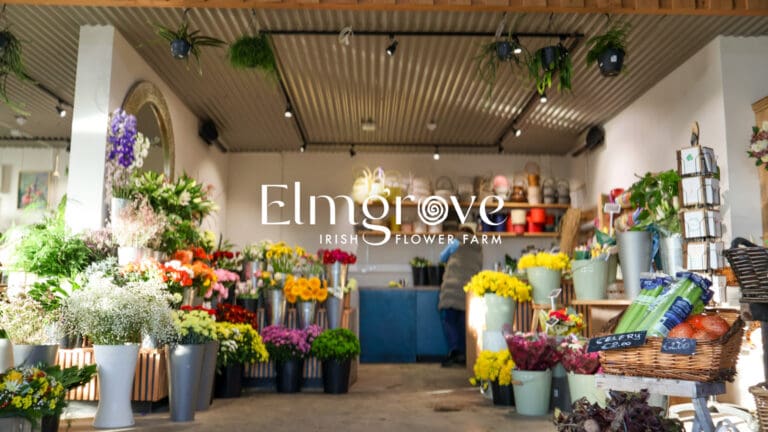
For Elmgrove, an Irish flower farm selling seasonal flowers direct, we set up automated weekly reporting that moves sales data from its point-of-sale (POS) system into Google Sheets.
Once the first workflow is running, the next can follow
Our AI and automation practice builds on the first workflow, covering further automations, AI document processing and reporting dashboards.
To keep automations running, the Website & Systems Care Plan checks your Make.com or Zapier workflows for failed runs each month, alongside your website and forms.
Explore further
Related capabilities
Questions clients ask us
Make.com or Zapier: which do you use?
Both. We recommend the platform that suits your systems and the complexity of the workflow, and build it in your own account.
Who owns the automation?
You do. It runs in your account, and the documentation allows someone else to maintain it if needed.
How do we choose the right first task?
Choose a task that happens often, follows the same steps every time and frustrates the people who do it. We help you select it in the first session, and we will tell you if a task is not worth automating.
What if the workflow breaks?
The documentation covers what to check, and we test with real examples before go-live to reduce that risk. For ongoing monitoring, add a care plan.
Can AI be part of the workflow?
Yes, where it adds value, for example reading invoice details or summarising enquiries. We tell you where AI is used and what data it sees.
Do you work with UK businesses?
Yes. The build and handover run remotely, so we work with SMEs across Ireland and the UK.
Let's discuss which workflow to automate first
Book a call and tell us which task costs your team the most time. We will confirm whether it suits the Automation Starter and provide a quote for the fixed scope.